How to activate walk assist on a Bosch display: complete guide
How to activate walkassist on a Bosch display: complete guide

Struggling to push your bike uphill or up stairs?
If you've ever found yourself in a situation where you needed to push your bike by hand be it on stairs, a steep incline, or through a tricky passage Walk Assist is here to make your life easier and your biking experience even more pleasant.
What is walk assist?
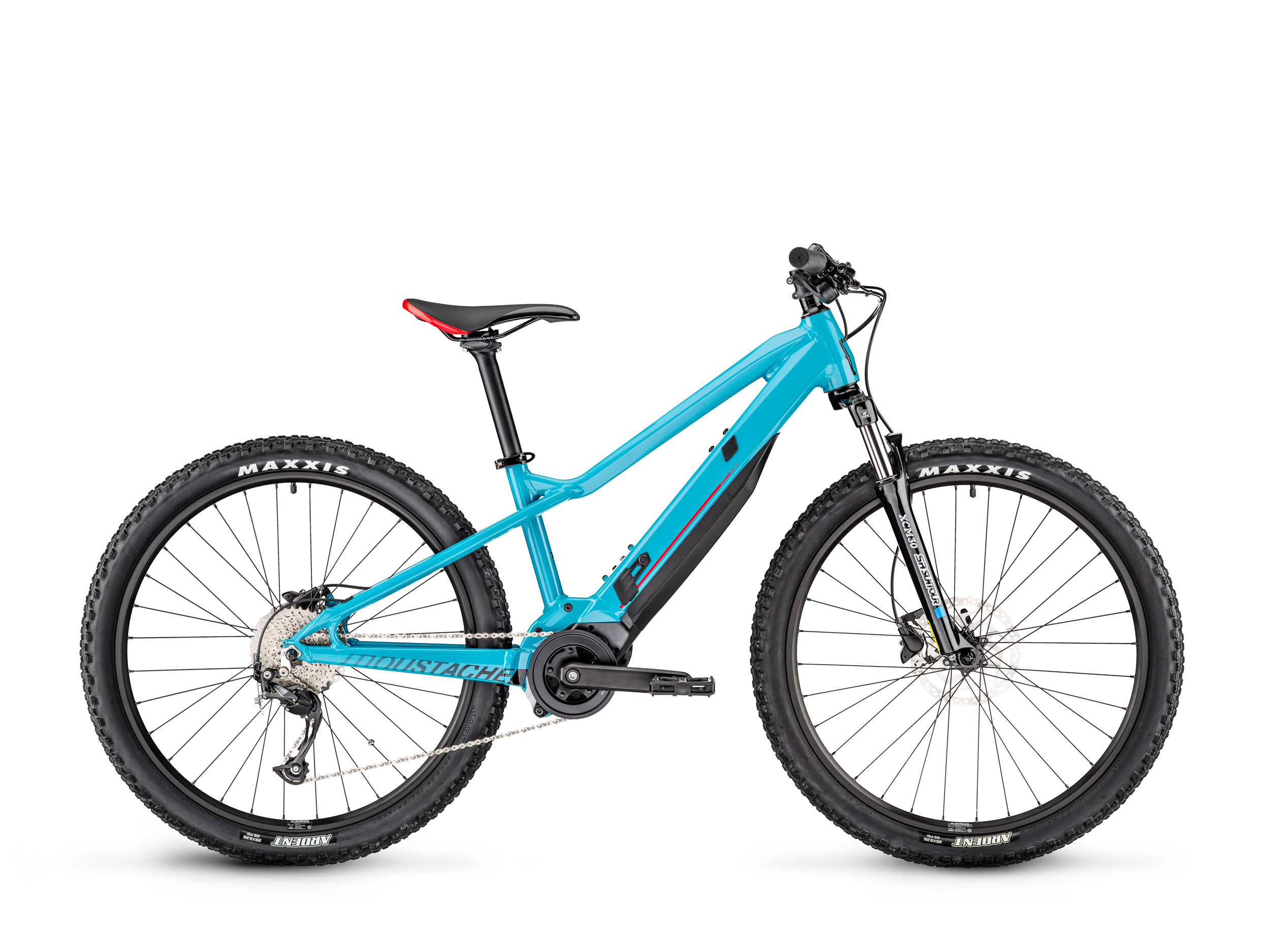
Walk Assist on an electric bike is a feature that lets you walk alongside your bike while receiving motor assistance. This function is particularly useful when you need to push your bike effortlessly, whether it’s up a steep hill, on uneven terrain, or up stairs. When activated, the bike moves slowly with electric assistance, making it easy to walk alongside without exerting too much effort. The speed is limited to 6 kilometers per hour to ensure easy control while using Walk Assist.
Here’s how to activate it based on your Bosch display! ;-{D
What Bosch display/controller do you have?
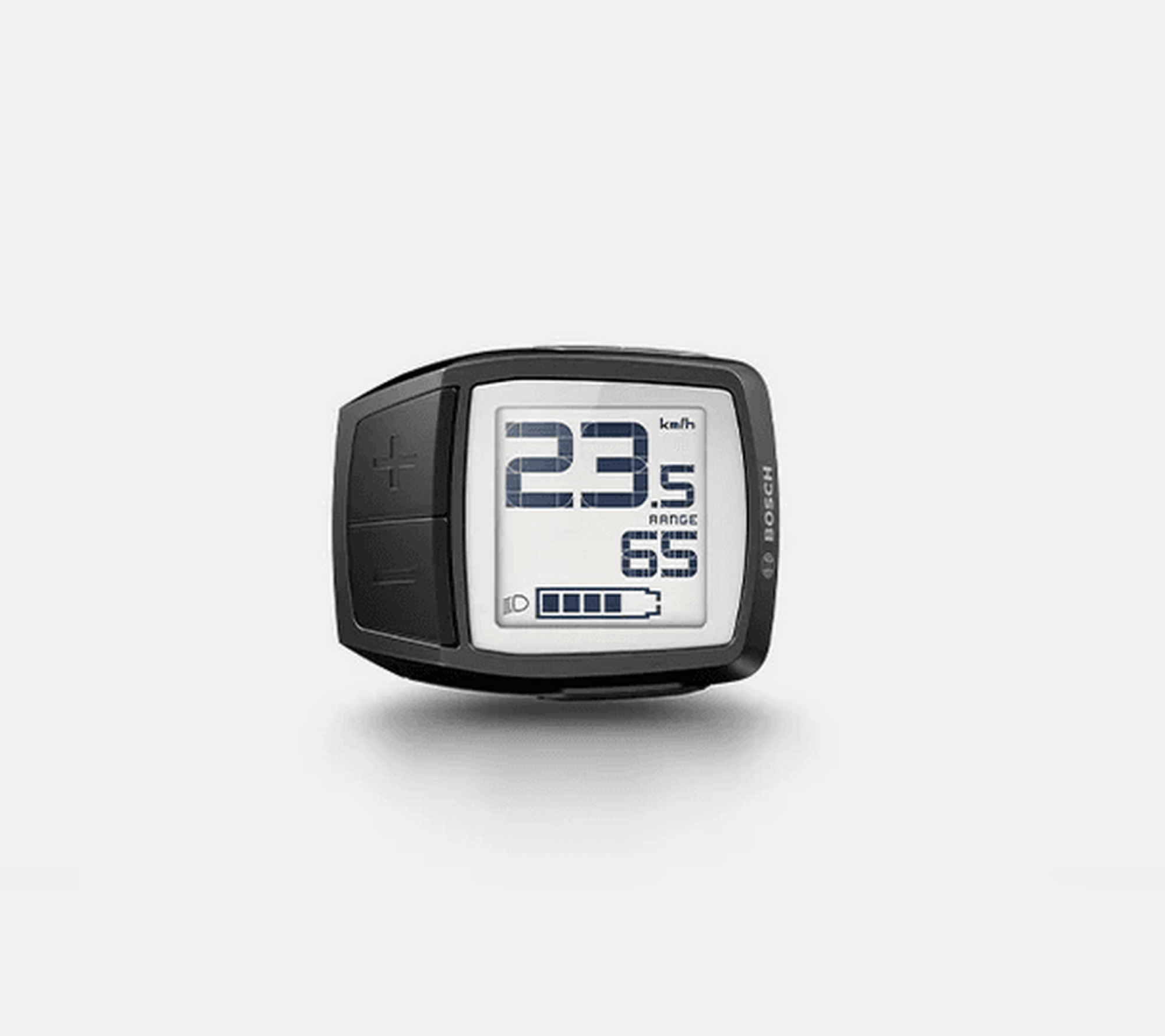
PURION
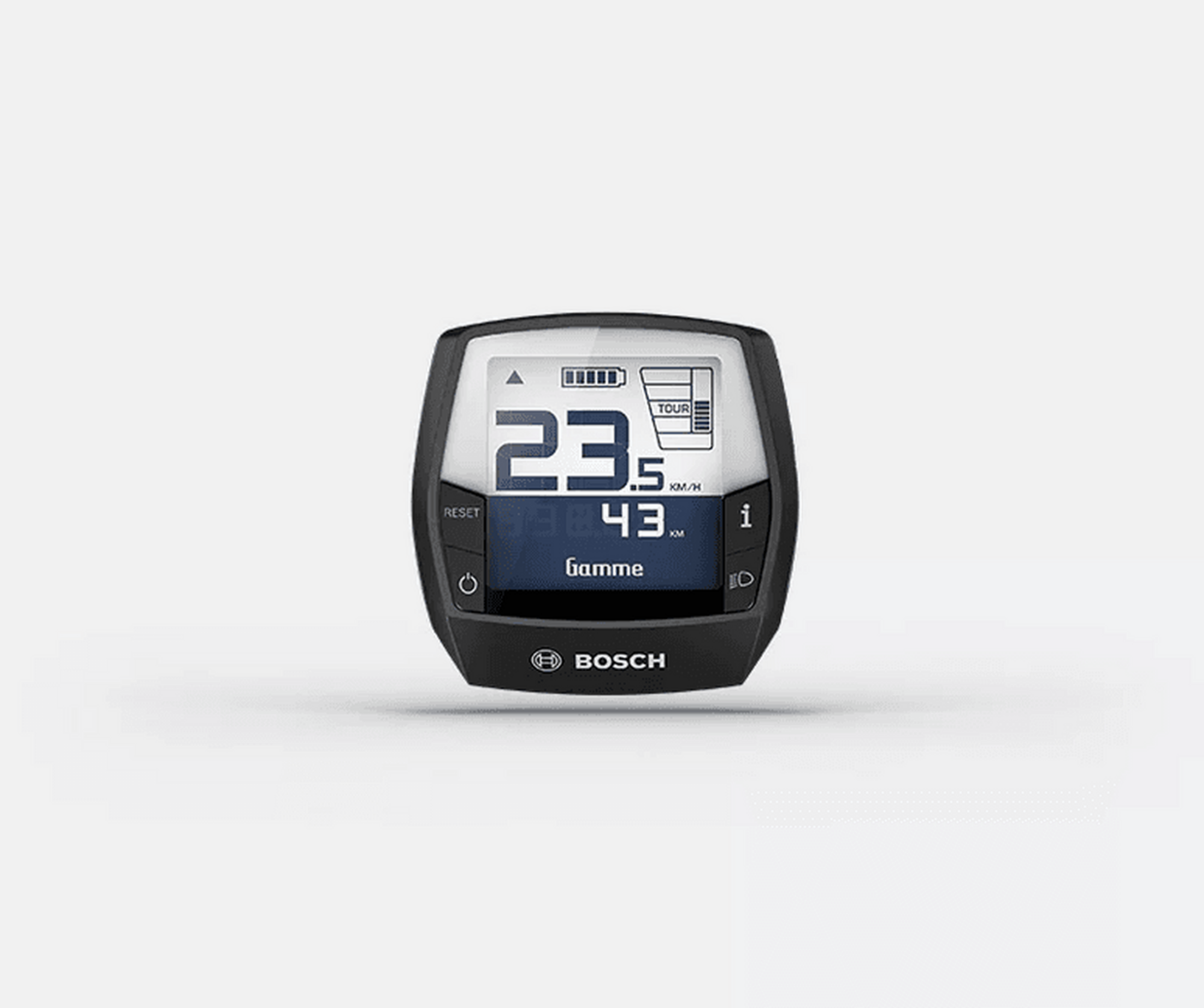
INTUVIA
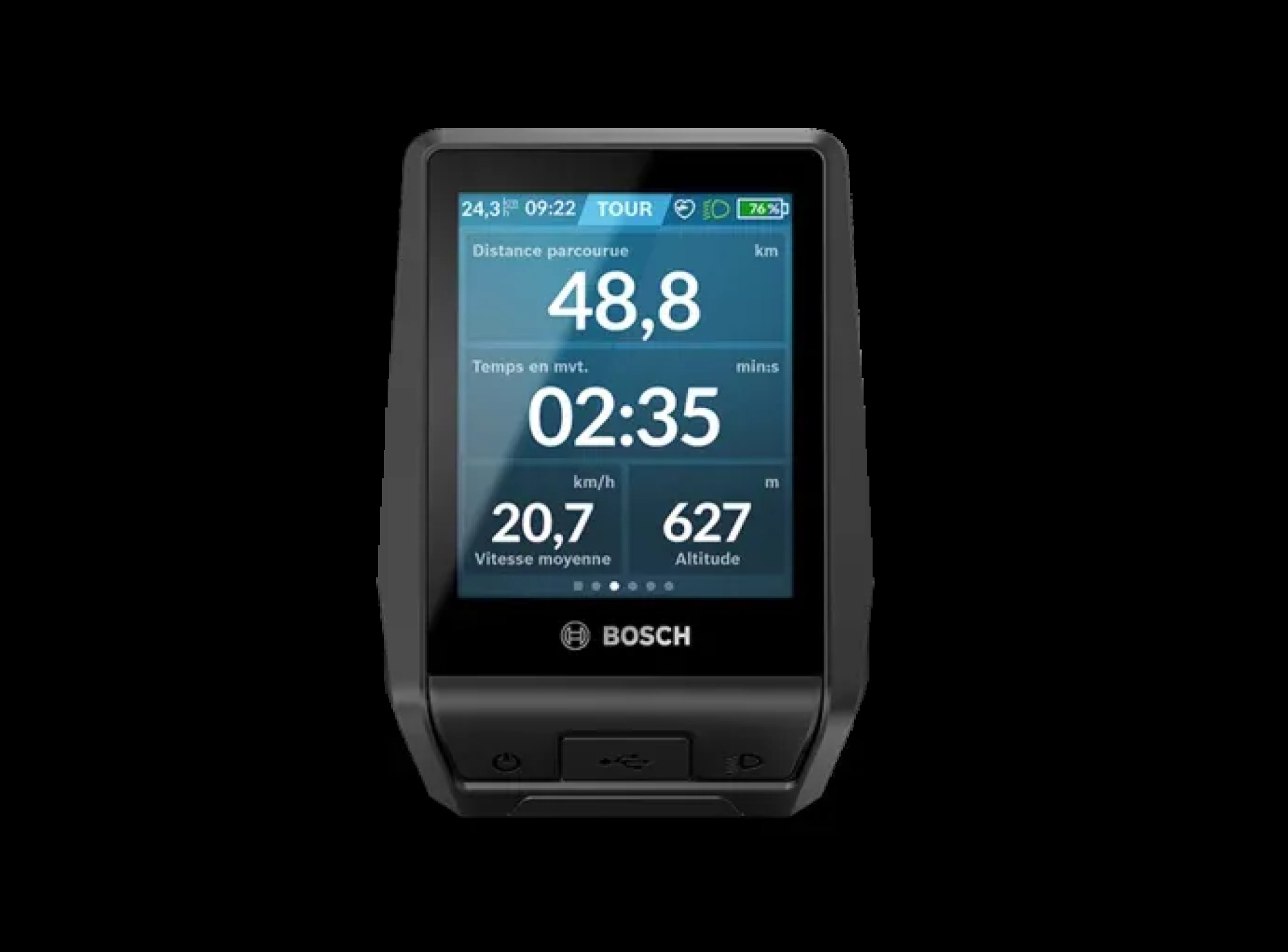
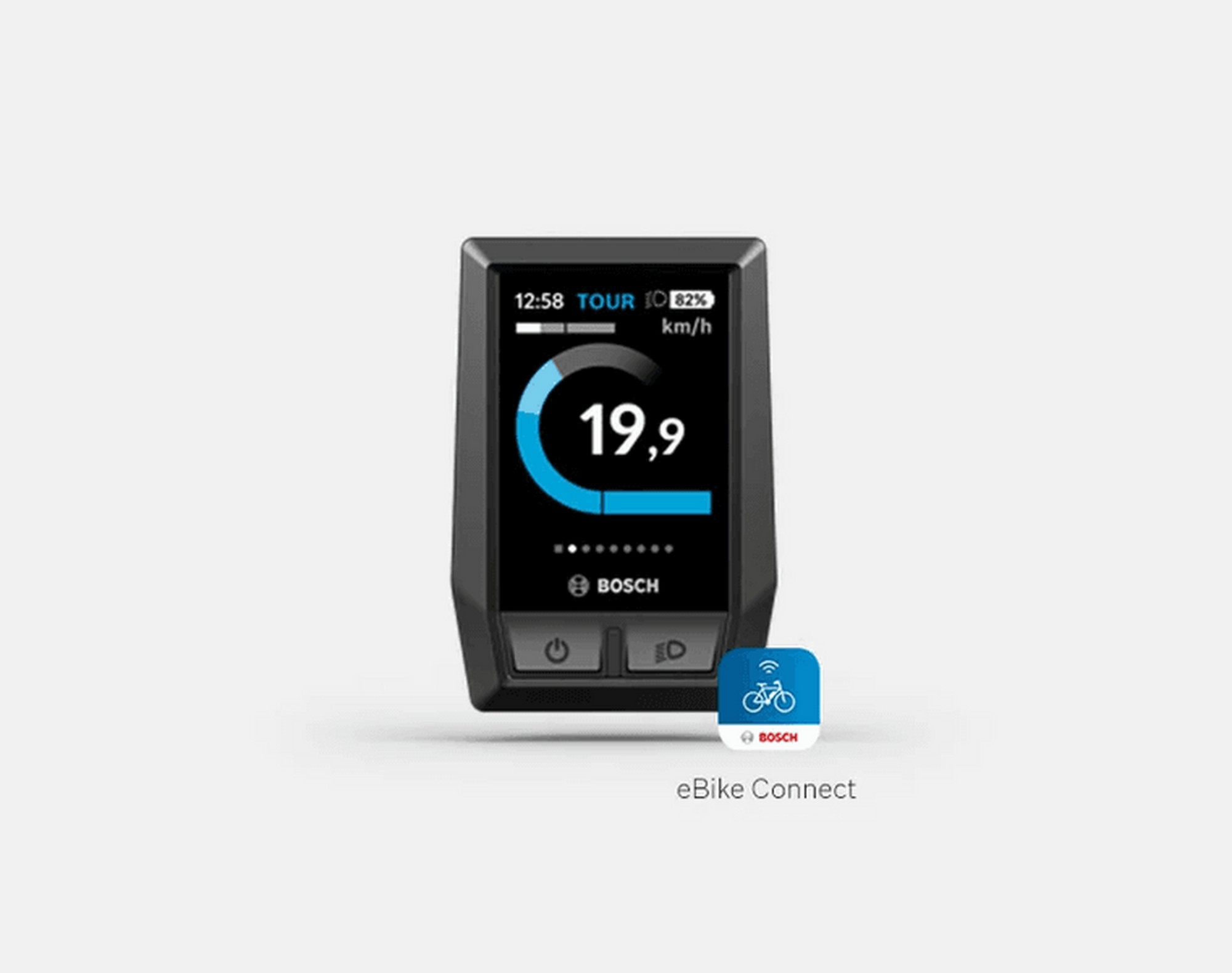
Kiox BES2 / Nyon
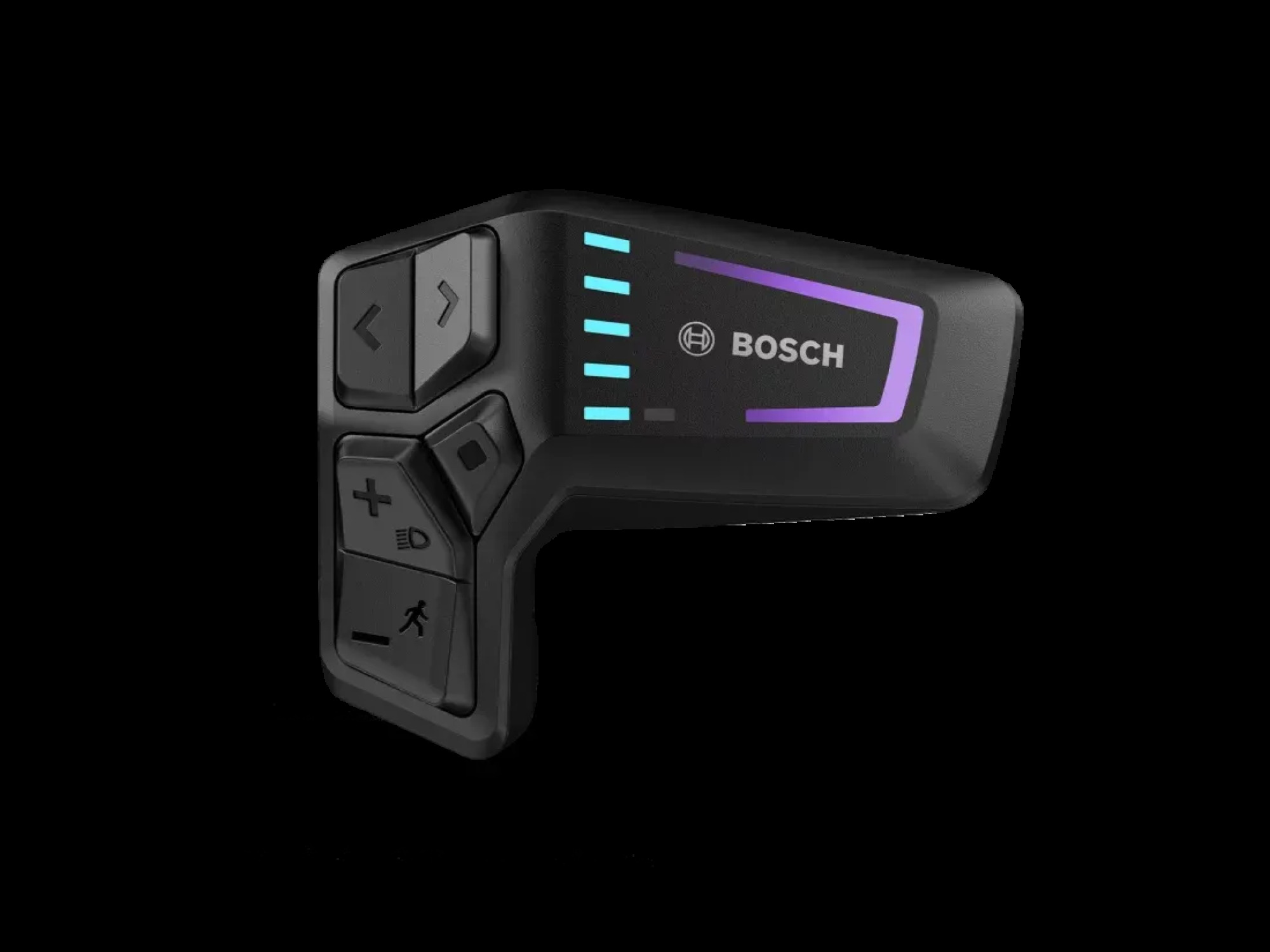
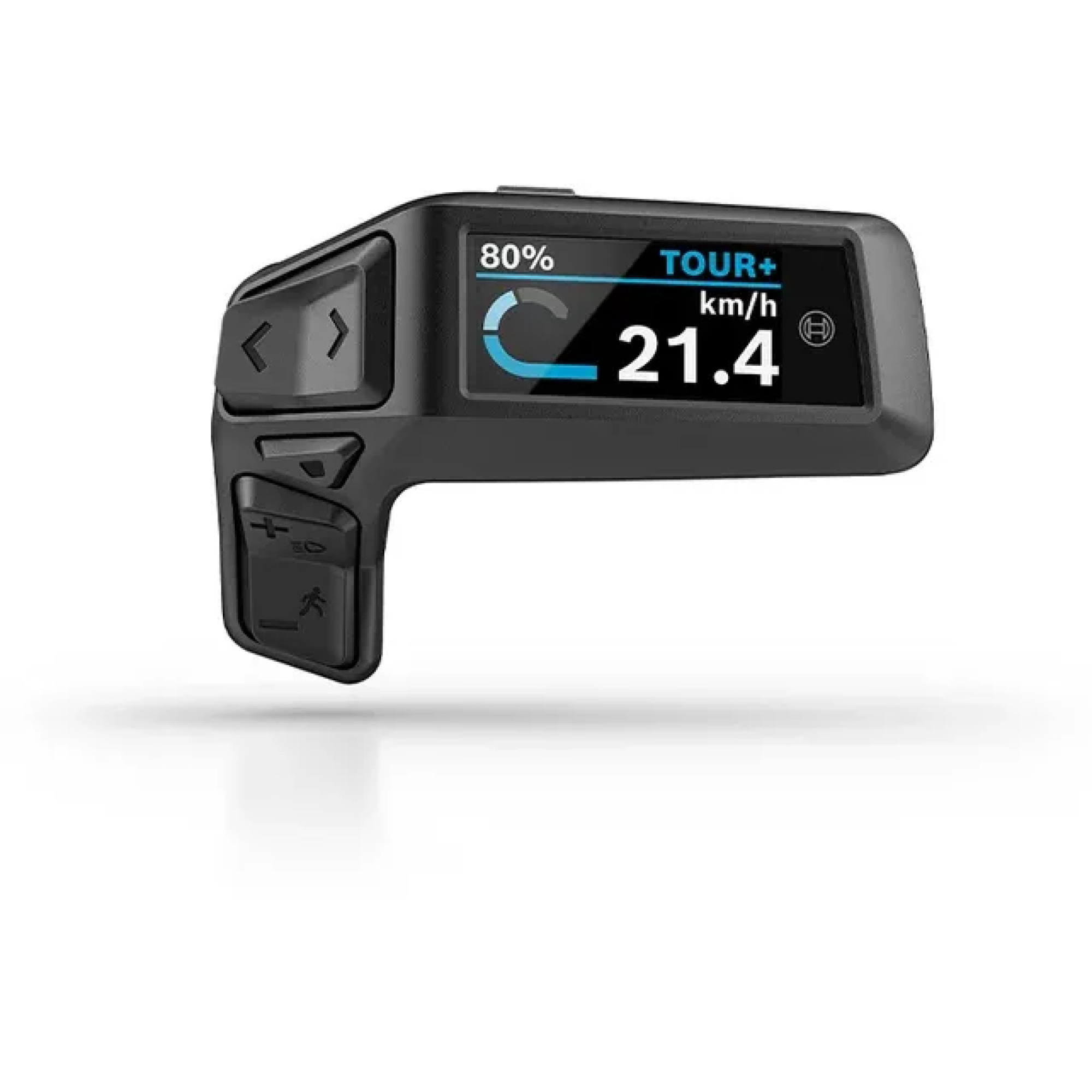
Led Remote / Purion 200
Purion Controller
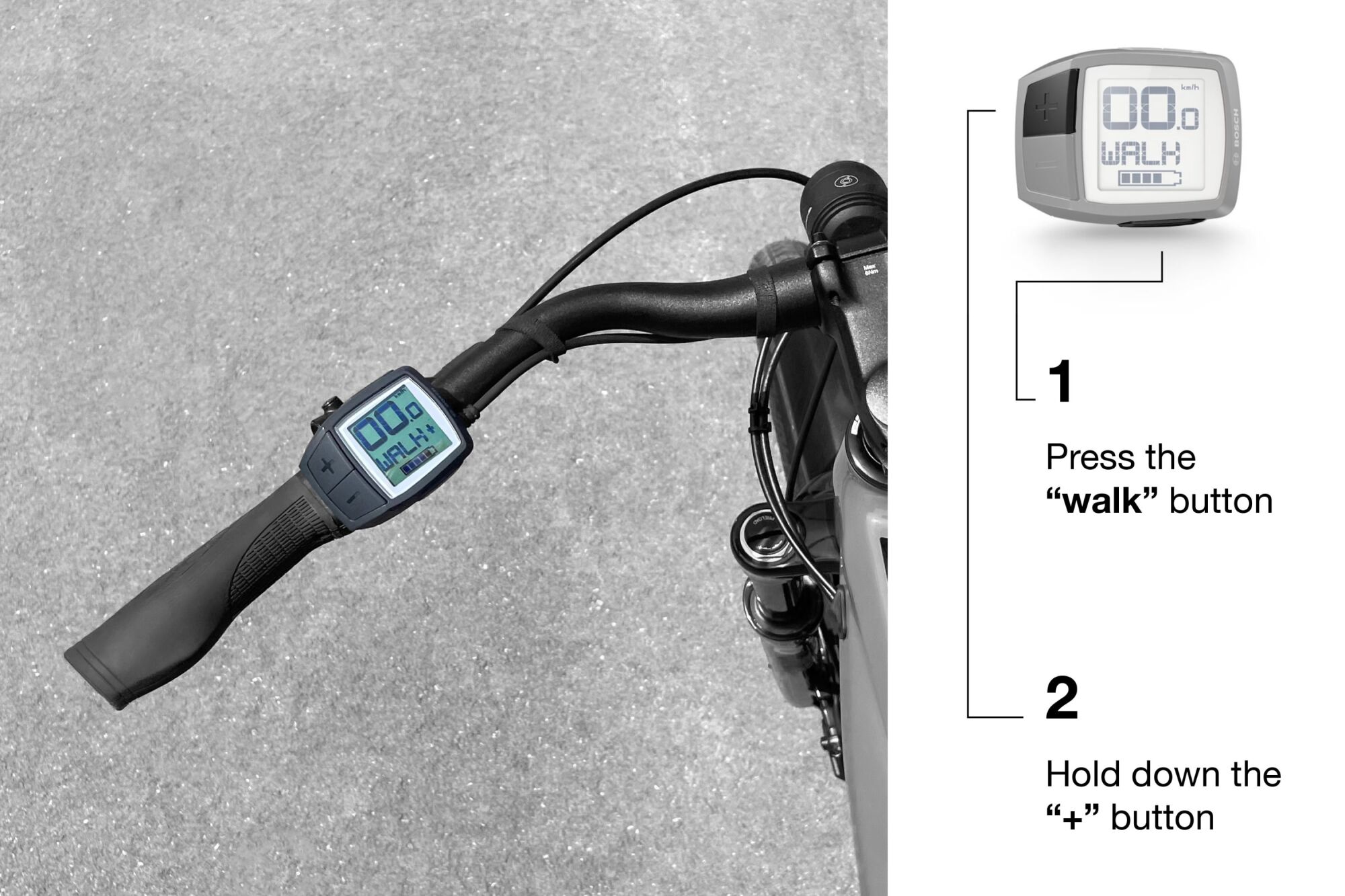
Walk Assist is deactivated if any of the following events occur:
- Releasing the WALK button (up to the 2016 model year).
- Releasing the + button (from the 2017 model year onward).
- The e-bike wheels are blocked (e.g., by braking or hitting an obstacle).
- The maximum speed of the feature is exceeded.
- The crank is blocked.
Intuvia Controller
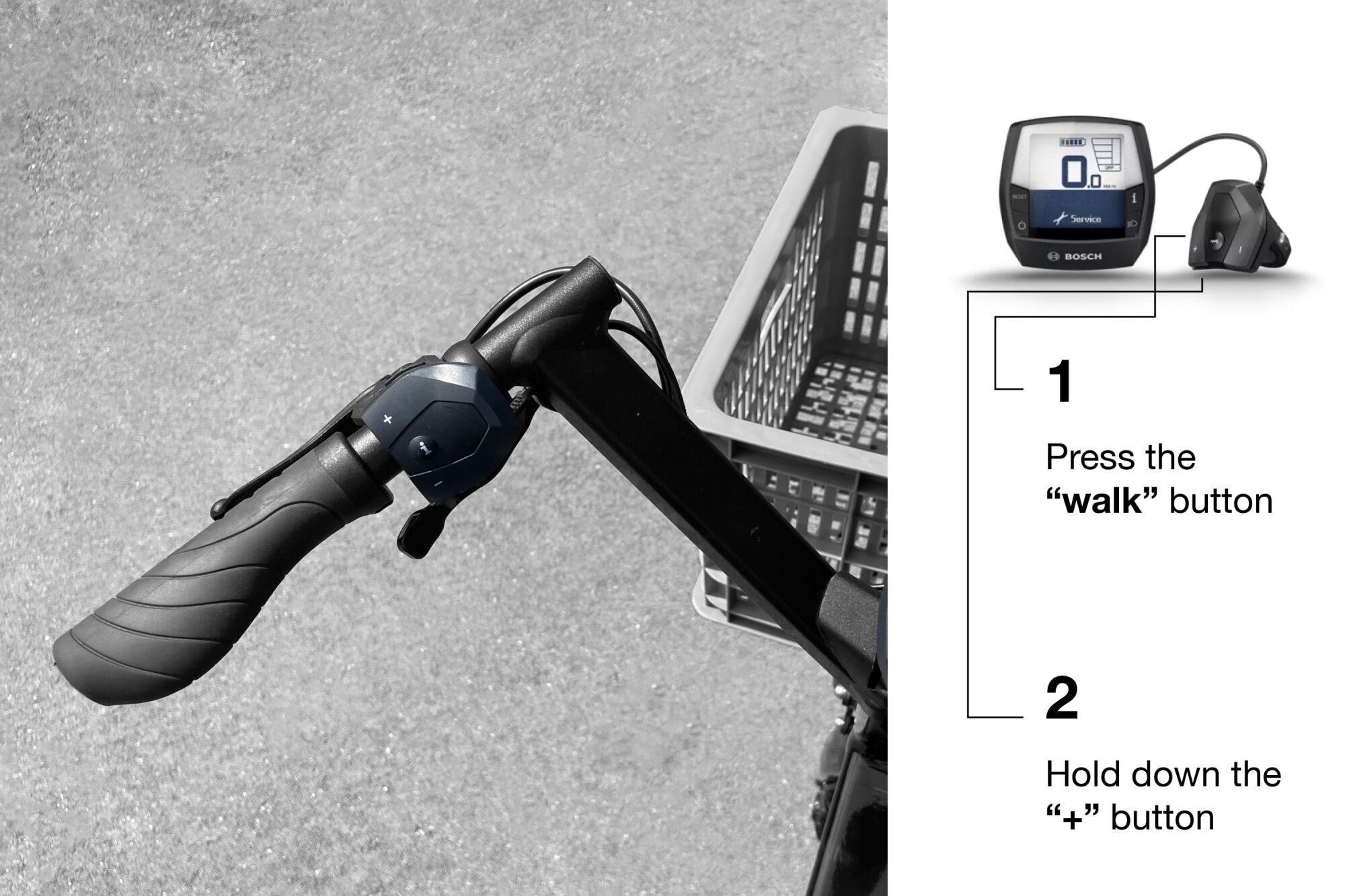
Walk Assist is deactivated if any of the following events occur:
- Releasing the “Walk Assist” button (up to the 2016 model year).
- Releasing the “plus” button (from the 2017 model year onward).
- The e-bike wheels are blocked (e.g., by braking or hitting an obstacle).
- The maximum speed of the feature is exceeded.
- The crank is blocked.
Kiox / Nyon Controller
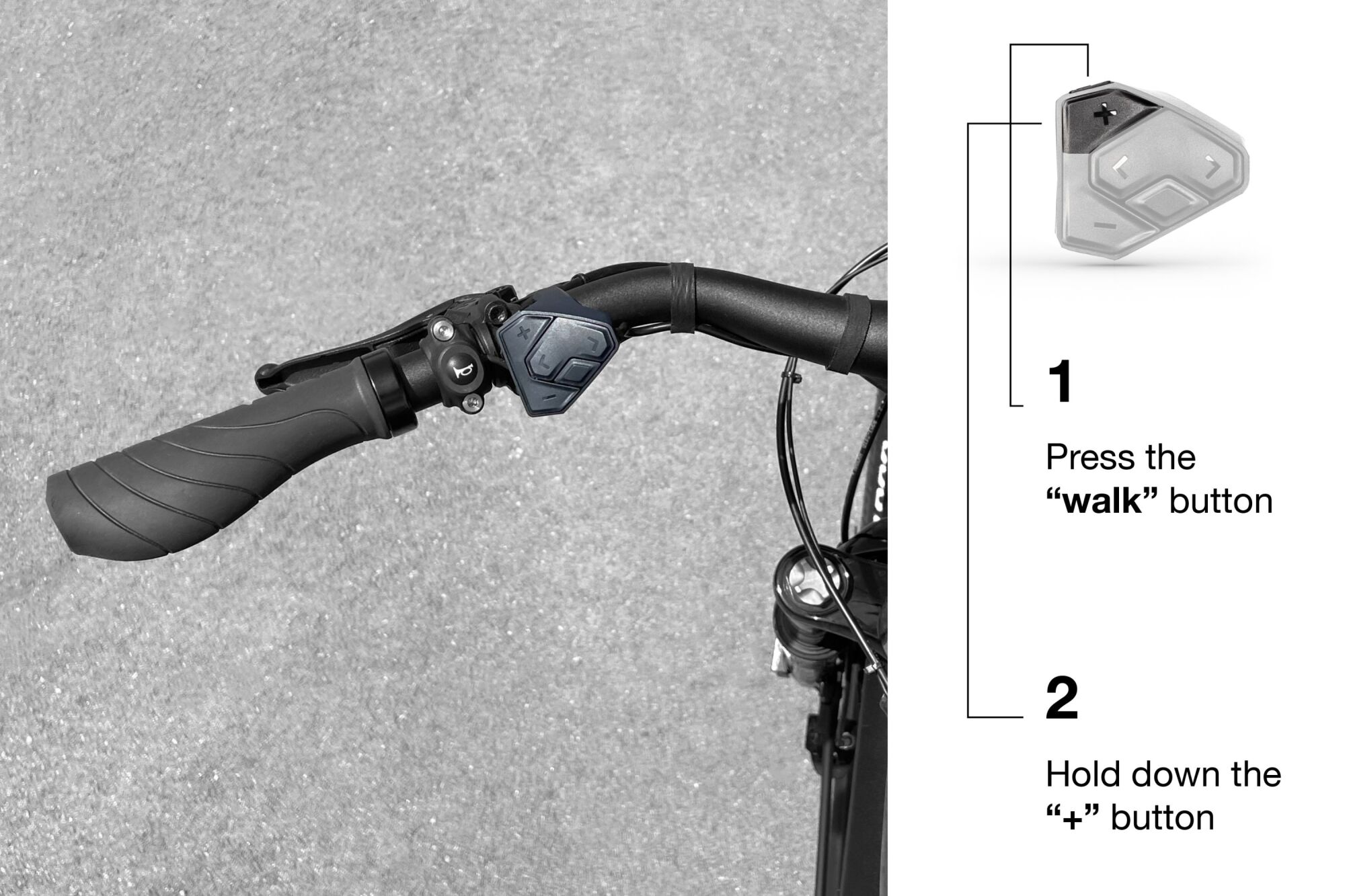
Walk Assist is deactivated if any of the following events occur:
- Releasing the “Walk Assist” button (up to the 2016 model year).
- Releasing the “plus” button (from the 2017 model year onward).
- The e-bike wheels are blocked (e.g., by braking or hitting an obstacle).
- The maximum speed of the feature is exceeded.
- The crank is blocked.
LED Remote / Purion 200 Controller
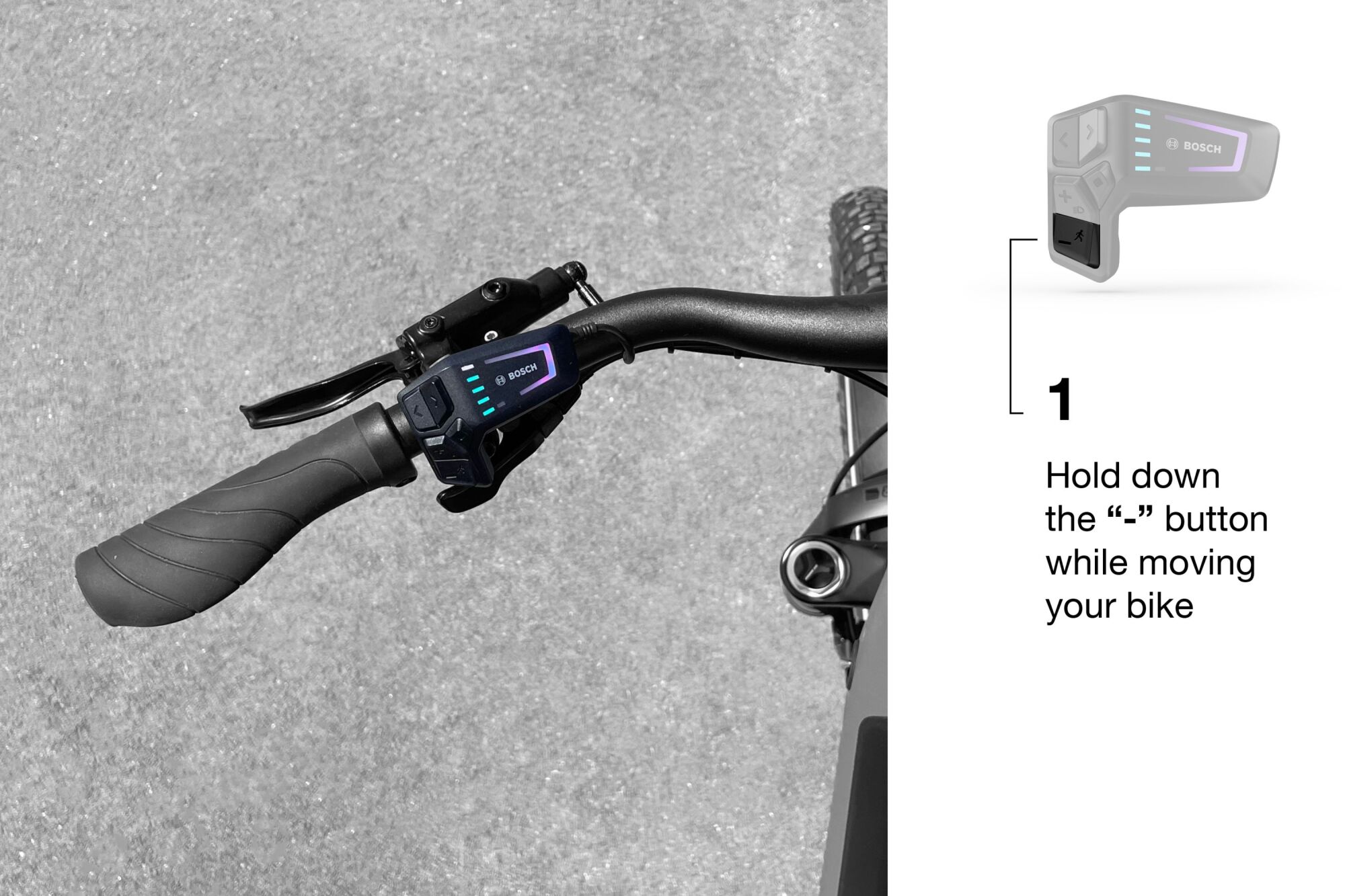
Walk Assist is active as long as you hold the “minus” button. Once you release this button, Walk Assist pauses. You can reactivate it by pressing again within 10 seconds. If you wait longer than 10 seconds, Walk Assist automatically deactivates.
Now you know how to activate the Walk Assist feature on your Bosch display! Whether it's to climb a steep slope or simply make walking with your bike easier, this feature is a real asset.
Remember, each system has its specifics, so be sure to follow the steps according to your display. Enjoy every ride with ease and maximum fun! 🚴♂️