FAQ
Everything you need to know

Accessories and components
How do I attach my pannier using QL3.1 mounts?
| Tired of sweating under your backpack during summer rides? Here’s the perfect solution! For greater comfort and freedom on your bike, Moustache has designed luggage racks compatible with QL3.1 mounts. Say goodbye to a sweaty back at the end of your ride! ;-{D
|
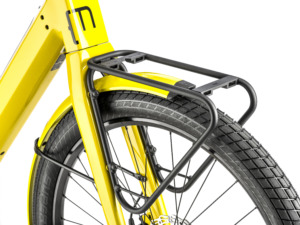
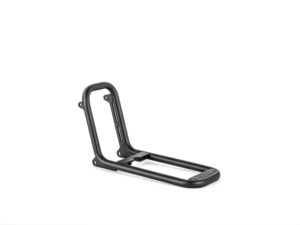
 Please note that all Moustache luggage racks are equipped with QL3.1 side mounting standards, ensuring a simple, quick, and efficient experience!
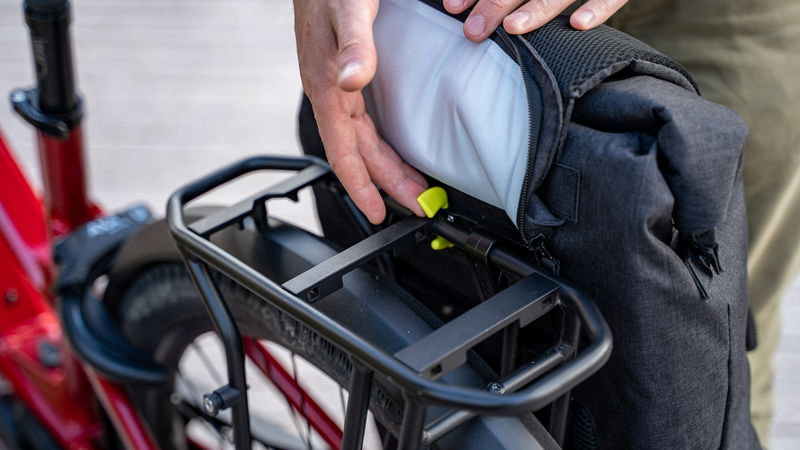
QL3.1 mounts consist of three supports designed according to mounting standards. They are placed on the sides of all Moustache luggage racks to allow for carrying larger volumes of luggage.

With the QL3.1 system, panniers attach from the top and lock into place using rails at the back. Simply slide the mounts into the rails to securely fix your pannier.

The new QL3.1 quick-lock system makes attaching and detaching even easier. While the mounts remain the same, the rails at the back of the panniers have been redesigned. Now, with a quick lateral movement, your pannier can be installed or removed in just one second.
Check out our range of accessories
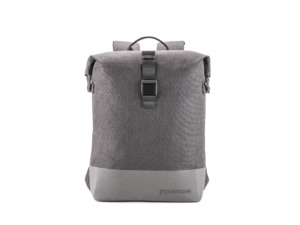
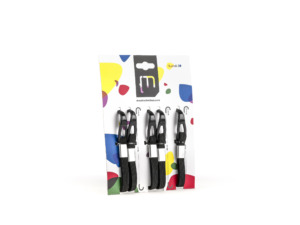
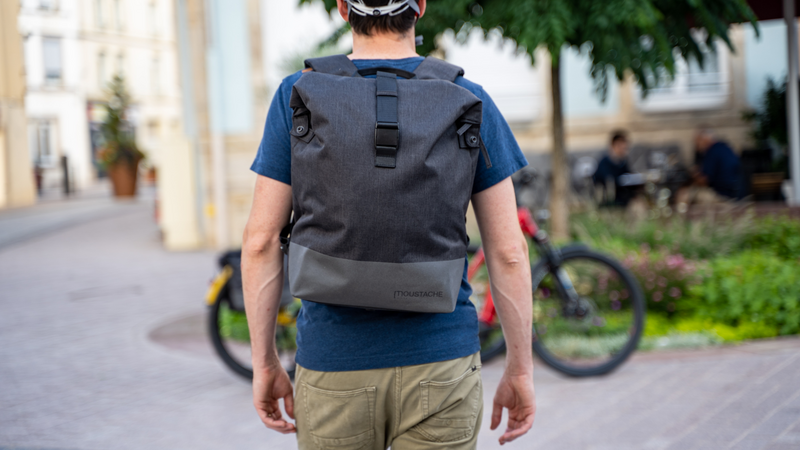
| It’s also possible to attach other accessories (even from other brands) directly to the QL3.1 mounts or to the 12mm side bar of the luggage racks using universal hooks. For example, these mounts are featured on the Moustache Bikes Backpack, available with the 17L Backpack – CLARK – Moustache Bikes. For better attachment, it’s recommended to remove the QL3 mounts before positioning the hooks. |
Did the answer from our team help you?
Doesn't that answer your question?
Our team is there to answer you